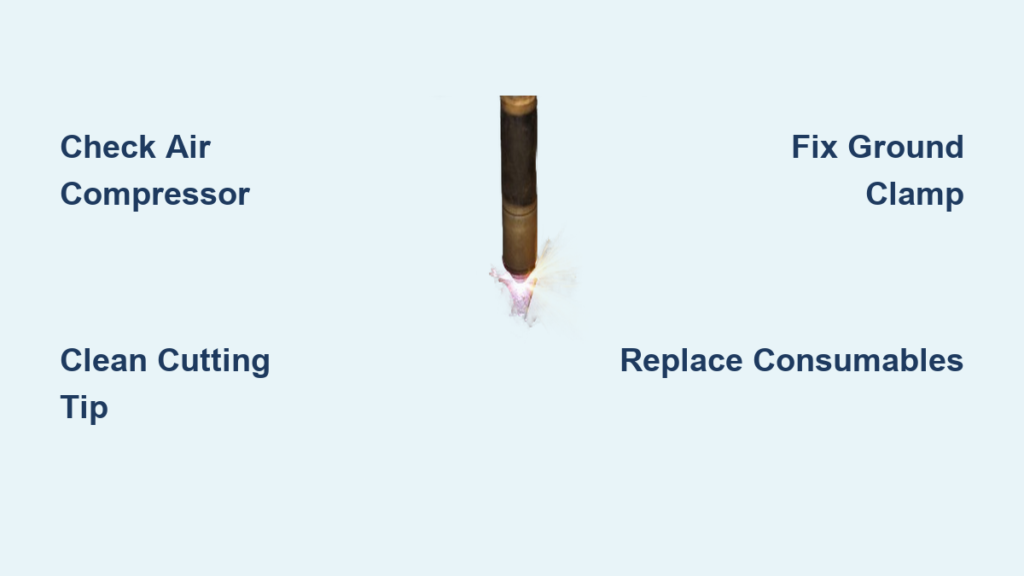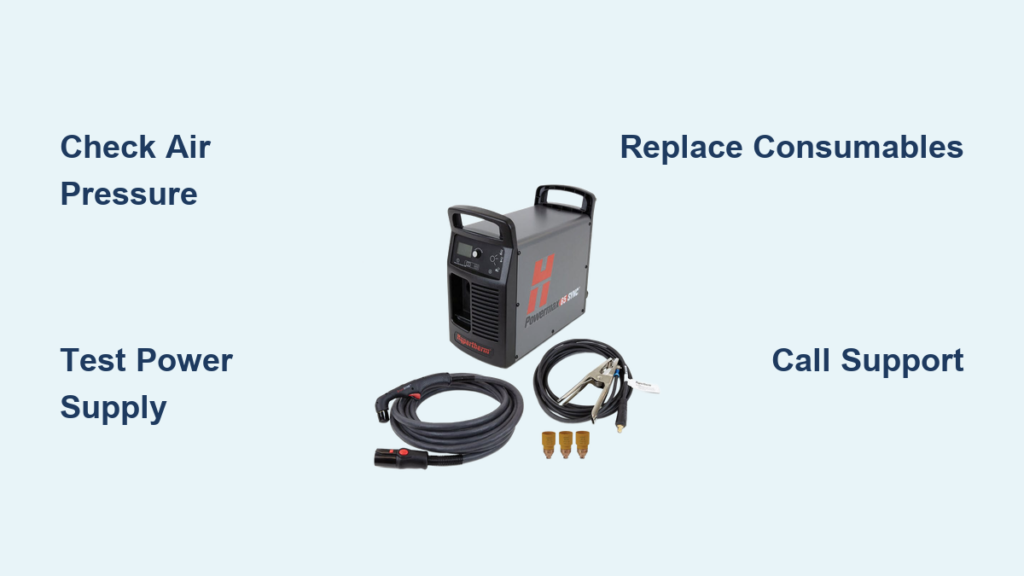
Your Miller plasma cutter suddenly stops mid-cut, leaving you with jagged edges and a half-finished project. Before you panic about expensive repairs or lost production time, most plasma cutting issues have straightforward solutions you can handle yourself. This guide walks you through the essential troubleshooting steps to get your Miller plasma cutter running smoothly again.
Whether you’re dealing with poor cut quality, arc starting failures, or mysterious error codes, we’ll cover the systematic approach professional technicians use to diagnose and fix common problems. By the end, you’ll know exactly what to check first and when it’s time to call in expert help.
Essential Safety Steps Before Troubleshooting Your Miller Plasma Cutter
Power down completely before touching any components. Disconnect both the main power supply and compressed air source. Let the torch cool for 15 minutes after operation—consumables stay dangerously hot long after cutting stops. Many technicians make the mistake of rushing into repairs while components are still at 300°F+, risking severe burns.
Verify grounding using a multimeter. Your work clamp must create a solid electrical connection. Clean rust, paint, or mill scale from the contact point with a wire brush. A poor ground causes 80% of arc starting issues and creates inconsistent cuts that waste material. Position the clamp as close to your cutting area as possible—never on the opposite side of large workpieces.
Check personal protective equipment before troubleshooting. Ensure your welding helmet has the correct shade rating (typically shade #8-#10 for plasma cutting) and replace any damaged lenses or gloves. Faulty PPE puts you at risk during diagnostic testing when you might accidentally trigger the arc.
Power System Failures That Stop Your Miller Cutter Cold
No Power When Switching On Your Plasma Cutter
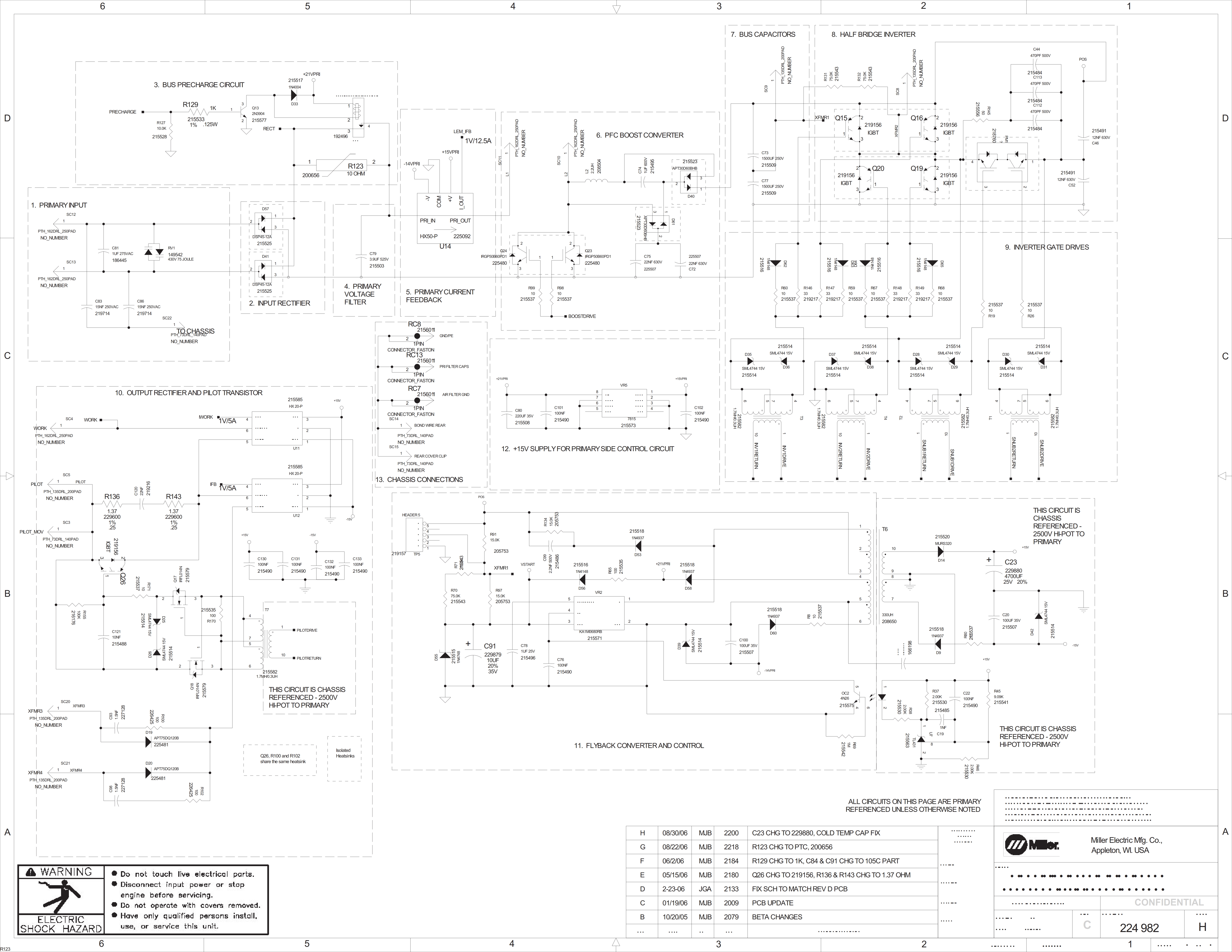
Start with the obvious: confirm your power cord connection and test the outlet with another tool. Many “dead” plasma cutters simply have a tripped breaker or loose plug. Check your shop’s main electrical panel for any tripped breakers labeled for welding equipment.
Test voltage at the machine using a multimeter. Miller units require specific voltage ranges—typically 208V, 230V, or 480V depending on your model. Low voltage causes intermittent shutdowns during high-amperage cuts. Measure at the input terminals with the machine powered off but the circuit energized.
Inspect the power switch for visible damage or burning. A melted switch indicates electrical overload and requires replacement before further use. Listen for a distinct “click” when operating the switch—no sound suggests internal failure.
Circuit Breaker Tripping During Operation
Calculate total amperage draw from your electrical panel. Your plasma cutter needs a dedicated circuit sized 25% above the maximum amperage rating. A 60-amp cutter requires an 80-amp breaker minimum. Running multiple high-draw tools on the same circuit causes nuisance tripping.
Check for extension cords—these starve plasma cutters of necessary power. If you must use one, ensure it’s rated for the full amperage and kept under 25 feet. Better yet, install a dedicated outlet near your cutting station. Voltage drop over long cords creates unstable arcs and poor cut quality.
Look for moisture intrusion in electrical compartments. Water causes short circuits that trip breakers immediately. Dry thoroughly with compressed air and seal any entry points with dielectric grease. Store your cutter in a climate-controlled environment when not in use.
Cut Quality Problems Ruining Your Precision Work
Inconsistent Cut Edges That Waste Material
Examine consumable condition first. A worn electrode creates an unstable arc that wanders across the metal. Replace when the hafnium insert shows pitting deeper than 1/32 inch. Keep a spare set of consumables at your workstation for quick replacement during production runs.
Verify cutting speed matches material thickness. Moving too fast leaves uncut sections; too slow creates excessive bevel and dross. Use Miller’s cutting speed chart as your baseline but adjust based on actual results. Thicker materials require slower speeds—practice on scrap metal before cutting your final piece.
Check air pressure at the torch while cutting. Low pressure causes poor arc constriction and sloppy cuts. You need 90-120 PSI for most applications—test with a pressure gauge at the torch connection. Install a secondary regulator at the cutter if your shop pressure fluctuates.
Excessive Dross Formation That Requires Secondary Grinding
Adjust amperage settings upward. Insufficient heat creates partially melted metal that solidifies as dross. Increase amperage in 5-amp increments until dross minimizes. Remember that actual amperage output decreases as consumables wear, so you may need to increase settings as parts age.
Clean your air supply thoroughly. Moisture in compressed air creates black, powdery dross that’s difficult to remove. Install a refrigerated air dryer if water persists. Even high-quality filters need regular replacement—check your filter elements weekly during heavy use.
Replace cutting tip when the orifice becomes oval or shows spatter buildup. A damaged nozzle disrupts gas flow patterns, causing poor cut quality. Properly maintained nozzles should last 1-2 hours of cutting time depending on material thickness.
Air Supply Issues That Sabotage Your Miller Plasma Cutter
Pressure Drop Troubleshooting for Consistent Cutting
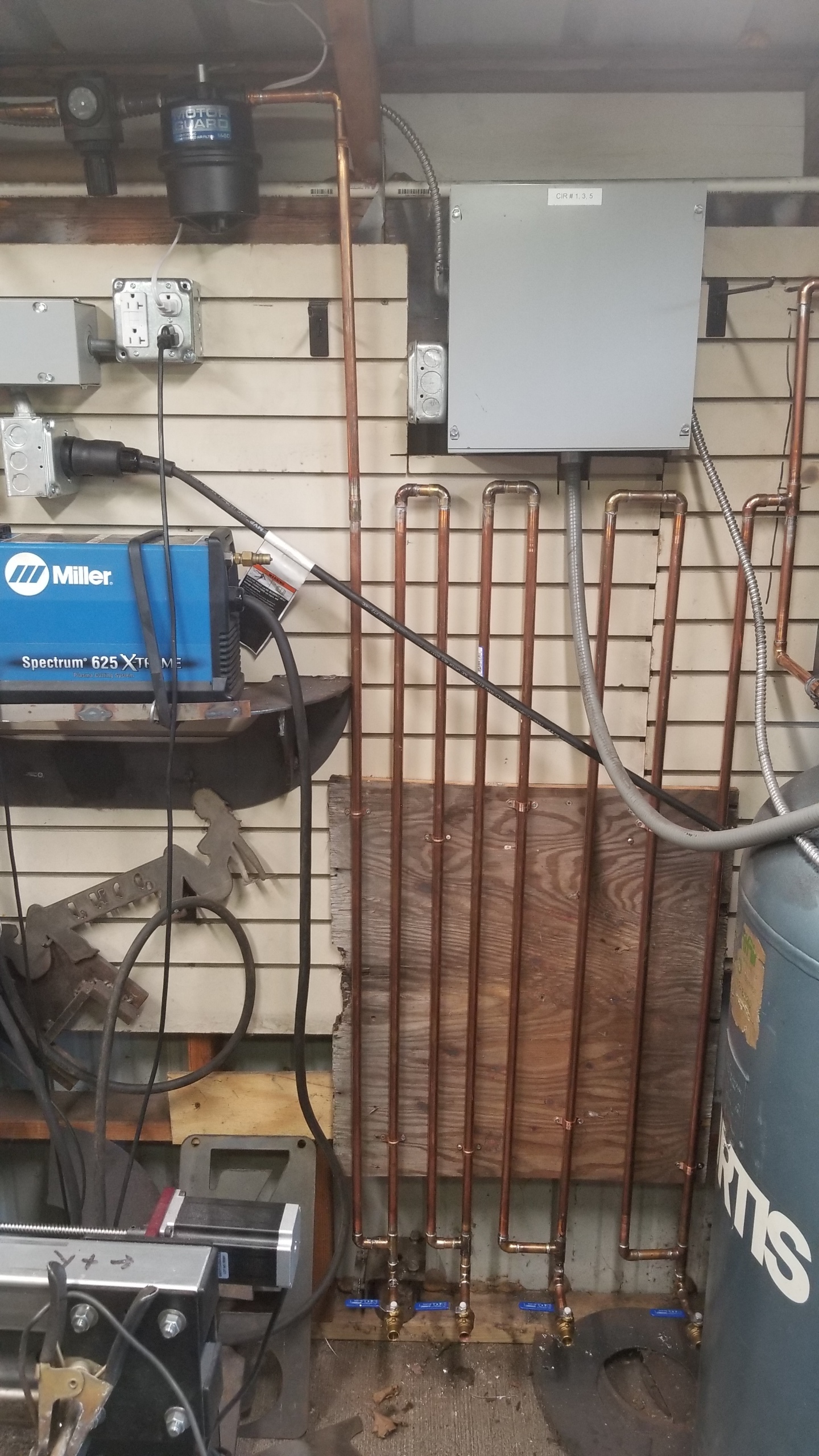
Test pressure at the compressor first. Many shops run multiple tools simultaneously, dropping pressure below plasma cutter requirements. You need consistent 90+ PSI even during peak demand. Install a pressure tank near your cutter if your main compressor is distant.
Inspect air lines for leaks using soapy water. Even tiny leaks significantly reduce available pressure. Replace any cracked hoses or loose fittings immediately. Pay special attention to quick-connect fittings which often develop micro-leaks over time.
Check the air filter every 8 hours of operation. A clogged filter restricts flow and introduces contamination that damages consumables. Replace elements when they appear dirty—don’t wait for complete blockage. Filter replacement is cheaper than replacing ruined electrodes and nozzles.
Moisture Contamination Signs You Can’t Ignore
Look for white residue on consumables after cutting. This indicates water vapor in your air supply that’s flash-boiling during arc initiation. Moisture rapidly degrades electrode life and creates inconsistent arcs.
Install a moisture trap at the plasma cutter inlet. Standard filters remove particulates but not water vapor. A refrigerated dryer provides the cleanest air for precision work, especially in humid environments. Desiccant dryers work well in colder climates but require regular maintenance.
Drain your compressor tank daily. Water accumulates rapidly, especially in humid environments. This simple step prevents most moisture-related issues. Mark your tank with a “drain me” reminder at eye level where you can’t miss it.
Arc Starting Failures That Halt Your Production
Pilot Arc Won’t Fire: Quick Fixes
Clean the torch tip thoroughly. Spatter buildup prevents the pilot arc from establishing properly. Use a tip cleaner to remove any debris from the orifice—never use metal objects that could enlarge the hole.
Check consumable seating—loose parts create poor electrical connections. Hand-tighten the retaining cap, then snug 1/8 turn with the proper wrench. Over-tightening damages threads while under-tightening causes arcing between components.
Test the work clamp connection directly to clean metal. Paint, rust, or coatings insulate the electrical circuit. Grind a small contact patch if necessary—this takes 30 seconds but solves most “no arc” problems.
Arc Transfer Problems That Leave You with Half-Cuts
Reduce standoff distance to 1/5 the material thickness. Too much gap prevents the arc from transferring to the workpiece. Use a drag shield for consistent height on thin materials. For thicker metals, maintain a slight gap but keep it consistent.
Increase pilot arc current if your machine allows adjustment. Some materials require higher pilot current for reliable transfer, especially aluminum with its oxide layer. Consult your Miller manual for model-specific adjustment procedures.
Verify air flow before each cut. Insufficient gas flow extinguishes the pilot arc during transfer. Listen for the distinctive rushing sound at the torch—silence means no cutting. Check your air regulator settings match your material thickness requirements.
When to Call Miller Factory Service
Internal component failures require factory-trained technicians. If you’ve eliminated consumables, air supply, and electrical issues, the problem likely involves circuit boards or transformers. These components require specialized diagnostic equipment and calibration.
Warranty considerations—opening the machine yourself voids remaining coverage. Contact Miller’s service network for in-warranty repairs at no charge. Keep your purchase receipt and register your equipment online immediately after buying.
Complex diagnostics like HF generator testing require specialized equipment. Professional service centers have the tools to accurately diagnose and repair these systems. For critical production environments, consider service contracts that guarantee rapid response times.
Key Takeaway: Most Miller plasma cutter problems stem from consumable wear, air supply issues, or poor maintenance. Systematic troubleshooting following this guide resolves 85% of common issues without professional help. Keep spare consumables on hand, maintain clean air supply, and establish a regular maintenance routine to minimize downtime and ensure consistent cut quality. Remember that 70% of “broken” plasma cutters simply need fresh consumables and proper air preparation—always check these first before assuming major component failure.