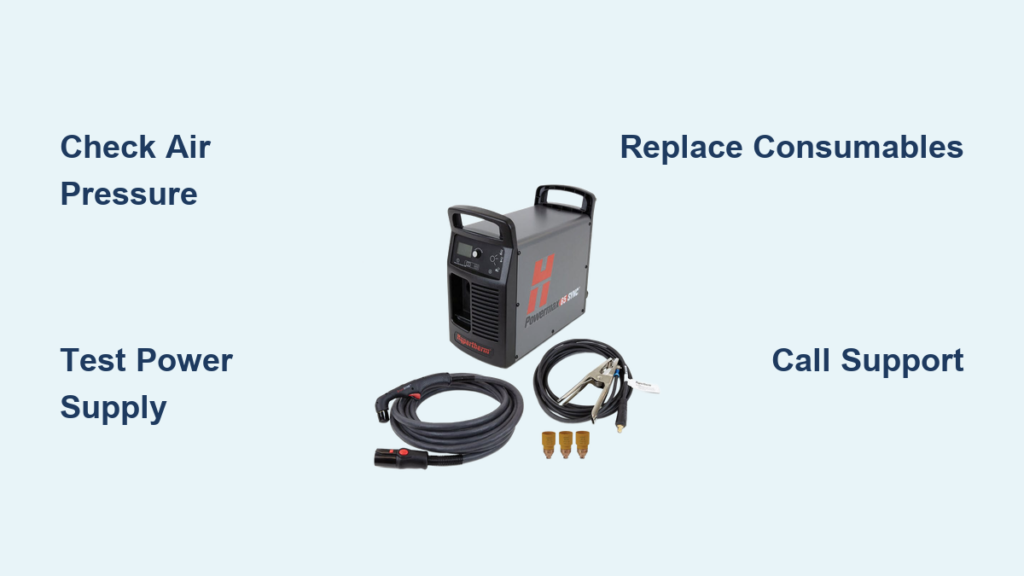
Your Hypertherm plasma cutter sputters and dies mid-cut, leaving jagged edges on expensive sheet metal while production deadlines loom. When your plasma cutter stops working, every minute of downtime costs your shop money and momentum. This hypertherm plasma cutter repair guide delivers immediate solutions for common failures across Powermax, XPR, and HyPerformance series systems—helping you diagnose issues and implement fixes faster than waiting for service technicians. You’ll learn to identify 80% of problems through simple visual checks and systematic troubleshooting that gets your cutter back online in under 60 minutes.
Diagnose Power and Air Supply Failures Immediately
Verify Correct Electrical Connections
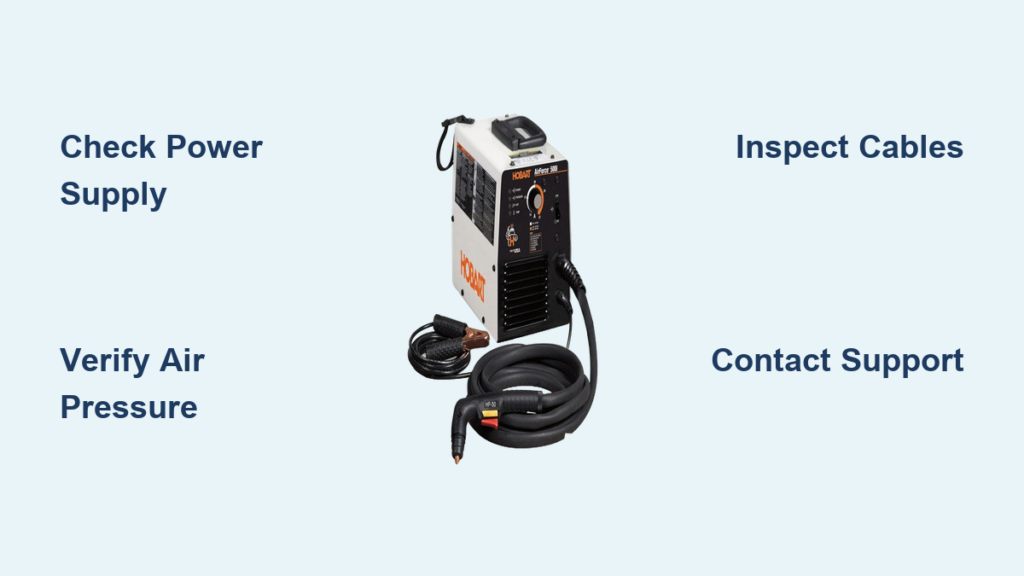
Start your hypertherm plasma cutter repair by checking the most common culprit: power supply issues. Grab a multimeter and confirm your outlet delivers stable voltage matching your unit’s requirements—208-480V three-phase for industrial systems or 120-240V single-phase for Powermax portable units. Inspect the power cord where it enters the machine housing for frayed wires or loose terminals, which cause intermittent shutdowns during high-current cutting. Tighten any loose connections with a 5/16″ wrench, but never force connections as this damages receptacles and creates fire hazards.
Test Compressed Air Quality and Pressure

Poor air quality triggers nearly half of all hypertherm plasma cutter failures. Your system requires clean, dry air between 90-120 PSI with zero moisture. Check the inline air filter’s sight glass for water accumulation—any visible moisture means immediate drainage and filter replacement. Install a pressure gauge directly at the machine inlet to detect pressure drops during operation, which indicate clogged filters or undersized compressors. Replace air filters every 100 operating hours or quarterly, whichever comes first, to prevent costly torch damage from contaminated airflow.
Identify Consumable Component Failure
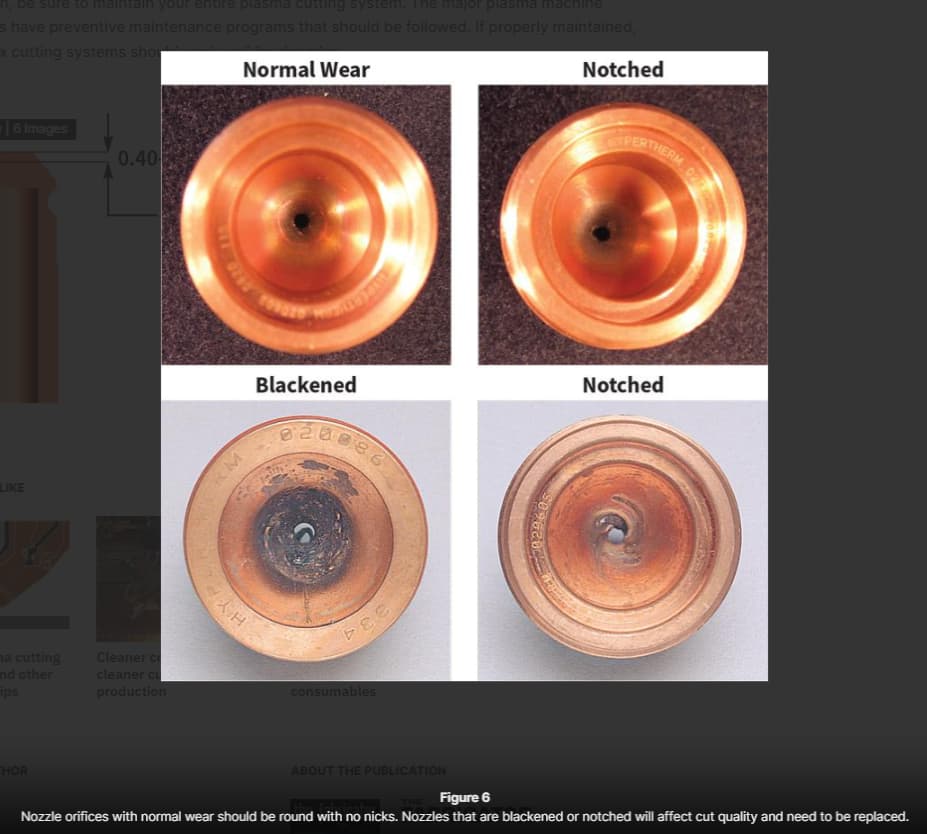
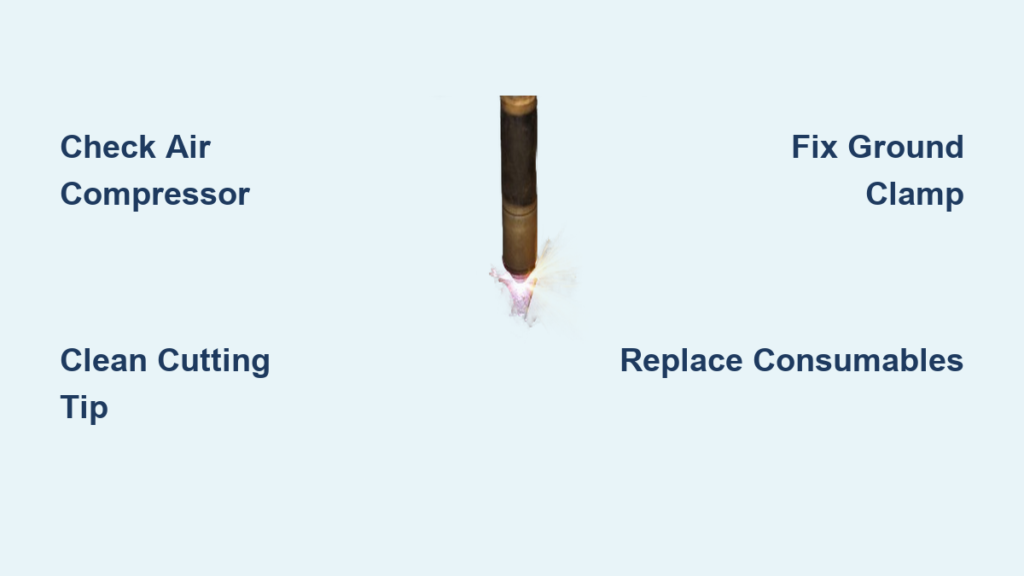
Worn consumables cause erratic cutting performance that mimics serious electrical issues. Remove your torch and examine the electrode for pitting or melting at the hafnium insert—this indicates improper air pressure or incorrect cut speed. Inspect the nozzle orifice for oval wear or gouging, which creates uneven plasma streams. Replace consumables showing copper discoloration as this signals overheating that damages internal torch components. Standard Powermax consumables last 500-1000 starts depending on material thickness—track your usage to anticipate replacements.
Contact Hypertherm Technical Support Directly
Call the Emergency Service Hotline for Immediate Help
When basic troubleshooting fails, dial Hypertherm’s technical specialists at (800) 643-9878 for real-time diagnostic support. Have your model number and serial code ready (found on the metal plate near the power switch) to expedite service. These experts resolve 65% of issues over the phone and can ship genuine replacement parts same-day to minimize downtime. Never attempt internal repairs without guidance—improper handling of high-voltage components risks severe electrical shock and voids your warranty coverage.
Order Genuine Replacement Parts Correctly
Purchase authentic components through Hypertherm’s parts department at (800) 737-2978 to ensure compatibility and maintain warranty protection. Aftermarket consumables often cost less upfront but produce inferior cuts and accelerate wear on critical torch components, costing you more in the long run. When ordering, specify your exact system model—XPR, Powermax, or HyPerformance series—as consumables aren’t interchangeable across product lines. Stock a 30-day supply of electrodes, nozzles, and swirl rings based on your cutting frequency to prevent production delays.
Fix Critical XPR Series Failures Fast
Resolve Arc Transfer Fault Errors
XPR systems displaying “Arc Transfer Fault” typically suffer from improper pierce height settings. Check your CNC program for adequate pierce delay—0.5 seconds for 10-gauge steel, increasing by 0.1 seconds per additional 1/8″ thickness. Verify the torch height control responds to IHS commands by manually triggering height sensing without plasma. Clean the ohmic sensor tip with electrical contact cleaner if height readings fluctuate, as oxidation disrupts electrical contact with the workpiece.
Correct Poor Cut Quality on Thick Materials
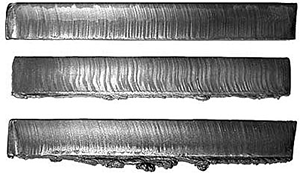
Dross accumulation or beveled edges on XPR300 systems indicate incorrect gas flow or cutting speed. Reduce travel speed by 10% for each 1/8″ increase beyond 1/2″ steel thickness—excessive speed causes incomplete cuts. Check oxygen gas flow rates with a flow meter; 1″ steel requires 230-280 SCFH for clean cuts. Replace gas console filters every 200 hours to maintain precise flow control, as clogged filters cause inconsistent plasma streams that ruin cut quality.
Repair Powermax Portable Unit Issues
Fix Hand Torch Trigger Failures
Powermax45 XP torches that won’t fire often have safety interlock problems. Test the trigger mechanism by listening for the safety relay click when depressing the switch—no click means a faulty trigger assembly. Inspect the torch lead for abrasions exposing copper shielding, which causes intermittent operation. Replace damaged leads immediately as exposed wires create electrical hazards and interfere with plasma arc stability during cutting operations.
Eliminate E05 Error Codes Quickly
The E05 error (excessive nozzle/electrode gap) appears when consumables aren’t properly seated. Remove the consumable stack and reinstall, ensuring the electrode snaps firmly into the swirl ring. Check the torch retaining cap threads for damage—cross-threaded caps prevent proper seating and trigger this error. Always hand-tighten consumables before final tightening with a wrench to avoid damaging delicate internal components during hypertherm plasma cutter repair.
Prevent Costly Breakdowns with Proactive Maintenance
Implement Daily Maintenance Checks
Spend five minutes each morning preventing five-hour repairs later. Check air pressure at the machine inlet while running, not just at the compressor. Inspect consumables for wear patterns indicating improper settings. Verify coolant levels between MIN and MAX lines using Hypertherm 028872 coolant exclusively—substitutes cause corrosion and void warranties. Clean power supply vents with compressed air to maintain proper cooling airflow and prevent thermal shutdowns.
Follow This Weekly Inspection Checklist
- Test all safety interlocks and emergency stops
- Check cable connections for tightness and corrosion
- Inspect torch leads for cuts or burns
- Verify ground clamp connections to work table
- Clean air filter elements and drain moisture traps
- Review cut quality samples for performance degradation
Access Emergency Repair Resources When Needed
Utilize 24/7 Technical Support During Breakdowns
Save Hypertherm’s technical service number (800) 643-9878 in your phone for immediate assistance during critical failures. Their specialists operate extended hours for production emergencies and can guide you through temporary workarounds to complete urgent jobs. For catastrophic failures, inquire about advanced exchange programs that ship replacement units overnight while yours undergoes repair—minimizing production impact during hypertherm plasma cutter repair.
Locate Certified Service Centers Near You
Hypertherm maintains certified service centers nationwide with technicians trained on specific product lines. Call the main service line to find your nearest location—most centers complete standard repairs on-site within 4-6 hours. Certified technicians carry common parts inventories and diagnostic tools unavailable to most end-users, making them ideal for complex issues beyond basic troubleshooting.
Maximize Your Plasma Cutter’s Service Life
Regular maintenance prevents 80% of common hypertherm plasma cutter failures that lead to expensive repairs. Address minor issues immediately before they escalate into major component failures. Keep this guide accessible in your shop and program Hypertherm’s service numbers into your phone for instant access during emergencies. Annual professional service extends equipment lifespan by 3-5 years while maintaining warranty coverage—typically costing just 10% of replacement value. When performed correctly, hypertherm plasma cutter repair transforms frustrating downtime into productive cutting time, protecting your investment and keeping your shop profitable.